Skip to content

Live Auto-Sync for MT4 & MT5 — Any Broker, Any Account Type

Trading Journal for MetaTrader — Finally, a Journal That Keeps Itself

Every trade you execute on MT4 or MT5 automatically flows into Plancana — no CSV, no copy-paste. Then our AI Mentor builds a psychological profile of your trading, finding the behavioral patterns holding you back.

MT4 & MT5

Live Sync

Any Broker

Supported

No CSV

Ever Again

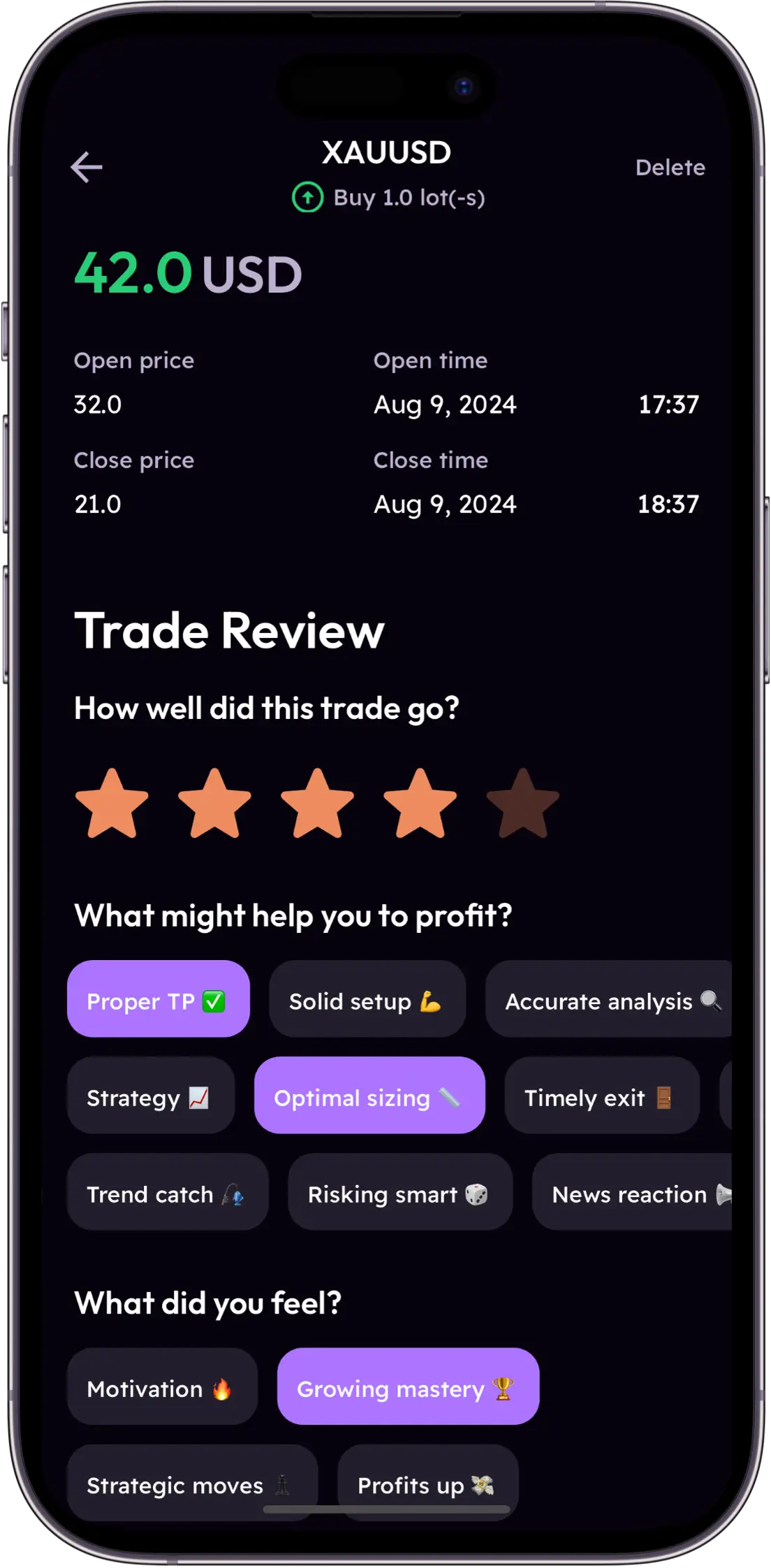
Trade Review Interface
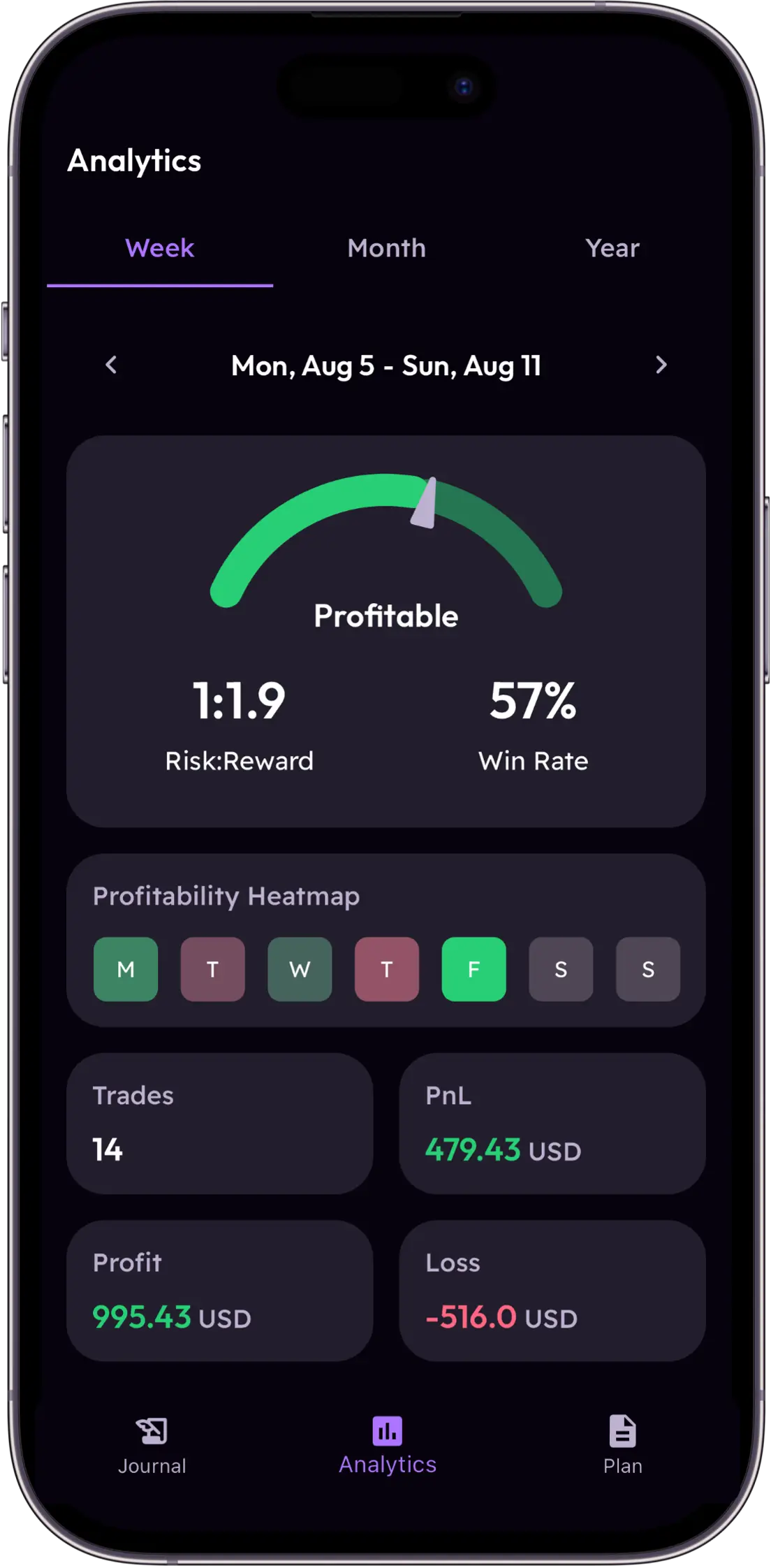
Analytics Widget
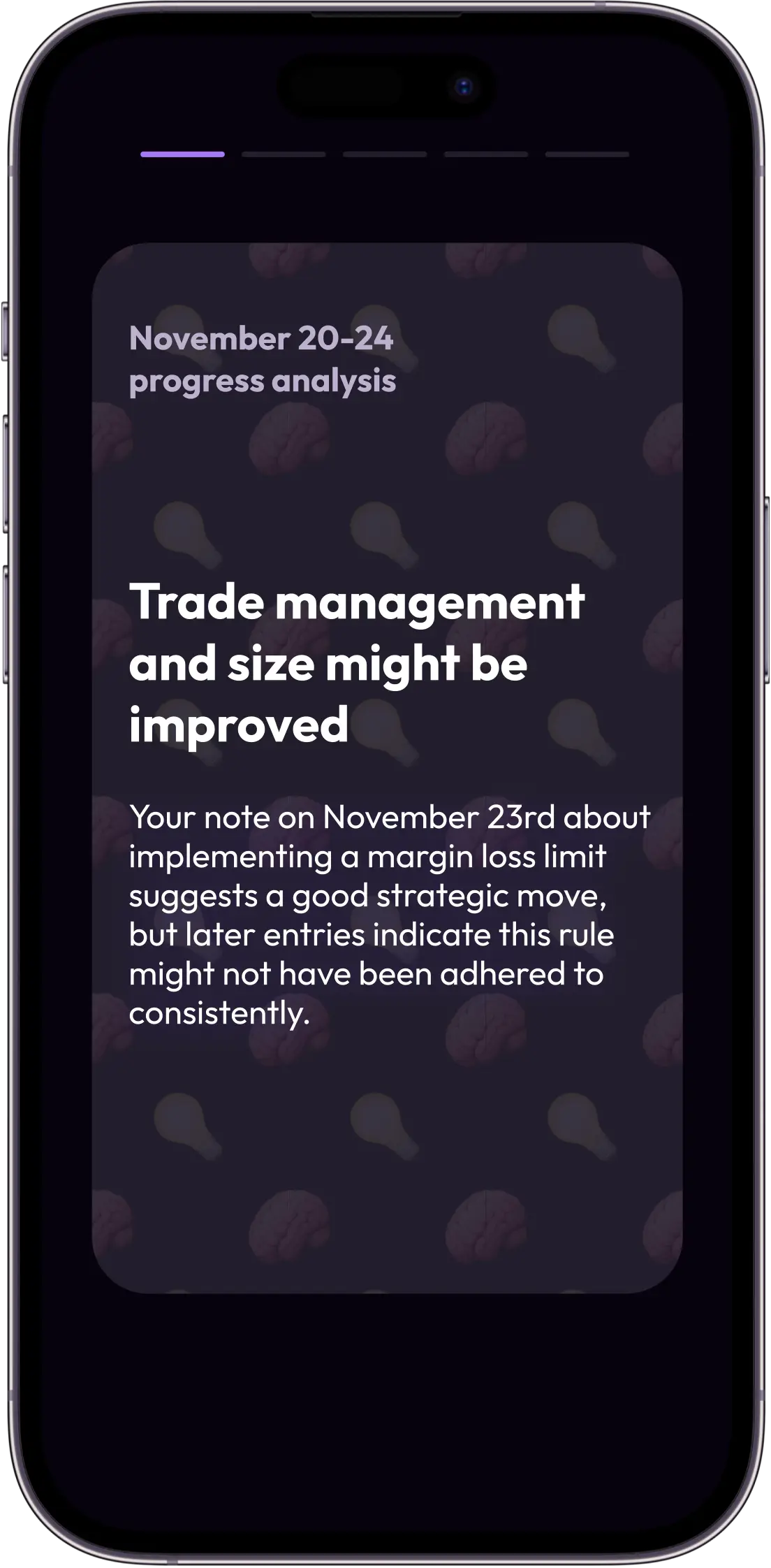
AI Insights Widget

MetaTrader Is Powerful. Its Built-In Analytics Are Not.

MT4 and MT5 give you world-class execution. But they were never designed to help you understand yourself as a trader. Plancana fills the gap that MetaTrader left open.

MT4's Analytics Desert

MetaTrader 4 is the world's most popular trading platform for a reason — it's fast, reliable, and supports thousands of expert advisors. But its built-in analytics are primitive by modern standards. You get a trade history and a basic account statement. No behavioral analysis, no emotion tracking, no AI mentor. Plancana is the analytics layer MetaTrader never shipped.

The CSV Export Nightmare

Every MetaTrader trader who has tried to journal knows the pain: export CSV, open Excel, format columns, de-duplicate entries, calculate net P&L after swaps and commissions. Do this every week for three months and you'll either quit journaling or quit trading. Plancana eliminates this entirely with a direct, live connection to your MT4 or MT5 account.

Multi-Account Fragmentation

Many MetaTrader traders run multiple accounts — a live account, a demo account, an EA-driven account, and a manual account. Reviewing these in isolation misses the behavioral patterns that span all of them. Plancana consolidates all your MT4/MT5 accounts into a single dashboard, giving you a unified view of your trading psychology across every setup you run.

Full Support for Both Platforms

Whether you trade on MT4 or MT5 — or both — Plancana has you covered with native, live sync.

MetaTrader 4
  • Live trade sync via MT4 server connection
  • Full history import on first connect
  • Commission, swap & spread tracking
  • Works with any MT4-based broker worldwide
  • EA and manual trade differentiation
MetaTrader 5
  • Live trade sync via MT5 server connection
  • Multi-asset support (forex, stocks, futures)
  • Netting & hedging account modes
  • Works with any MT5-based broker worldwide
  • Detailed position-level analytics

Connect MT4 or MT5 in 4 Steps

The last time you'll ever touch a CSV export.

1

Download Plancana

Install the app free on iOS or Android. Create your profile and choose MetaTrader as your primary platform type.

2

Add Your MT4 or MT5 Account

In the Integrations tab, select MetaTrader 4 or MetaTrader 5. Enter your broker's server name and your account credentials. The connection is read-only and encrypted.

3

Watch Your Trades Flow In

Your full trade history imports automatically. From this point on, every new trade you execute is captured in real time — no action required on your end.

4

Activate Your AI Mentor

Tag your emotional state for a week of trades and the AI Mentor begins delivering insights. "Your Friday afternoon trades have a 34% win rate vs. 61% the rest of the week" is the kind of data that changes how you trade.

The MetaTrader Journal Comparison

Stop fighting your tools. Start learning from your trades.

MT4/MT5 Account Statement

The data is all there. But it's presented as a raw dump with no behavioral context, no emotional layer, and no AI analysis.

  • No psychology or emotion tracking
  • No performance patterns over time
  • No mobile-first experience
  • Free
  • Official broker data

Trademetria / TradesViz

Web-based journals with CSV import from MT4/MT5. Functional for analytics, but the workflow is manual, desktop-bound, and psychologically uninformed.

  • Requires manual CSV export & import
  • No real-time sync
  • No mobile-first design or AI coaching
  • Detailed charting
  • Multi-broker support via CSV

Plancana for MetaTrader

The only mobile-first journal with live MT4 & MT5 sync, AI behavioral coaching, and psychology tracking built in from day one.

  • Live MT4 & MT5 auto-sync
  • AI Behavioral Mentor
  • Mood & psychology tagging
  • 4.7★ App Store / 4.8★ Google Play

MetaTrader Traders Trust Plancana

"I've been trading MT4 for 7 years. I tried every journal out there. Most of them make you export CSV and clean up the data manually. Plancana was the first one that just... worked. Direct sync, instant history, and the AI found my £-weakness within two weeks."

D

Dmitri V.

MT4 Scalper · Pepperstone

"The multi-account view finally lets me compare my live account performance to my demo work properly. I found out my demo win rate is 68% but my live win rate is 41%. Pure psychology. Plancana proved it with data."

A

Anya K.

MT5 Swing Trader · IC Markets

"I run EAs on MT4 alongside my manual trading. Plancana separates them automatically and gives me different analytics for each. It's the first tool that understands how modern MetaTrader traders actually work."

F

Felix M.

EA + Manual Trader · XM

Your MT4/MT5 Trades Deserve Better Than a Spreadsheet.

Join 12,000+ MetaTrader traders using Plancana for automatic sync and AI-powered performance insights.

No credit card required · Free to download

Frequently Asked Questions

Does Plancana sync with MetaTrader 4 automatically?

Yes. Plancana provides direct, live sync with MetaTrader 4. Once you connect your MT4 account with your broker server details, every trade you execute is captured automatically in real time — no CSV export needed.

Does Plancana support MetaTrader 5 (MT5)?

Yes. Plancana fully supports MetaTrader 5 across all account types and asset classes, including forex, CFDs, stocks, and futures. MT5 netting and hedging account modes are both supported.

Which brokers can I connect via MT4/MT5?

Any broker that operates a MetaTrader 4 or MetaTrader 5 server can be connected to Plancana. This includes Pepperstone, IC Markets, FXPro, Exness, XM, OctaFX, HotForex, Admiral Markets, and thousands of other brokers worldwide.

Is my MT4/MT5 account secure when connected to Plancana?

Plancana uses a read-only investor password connection — the same credential used for read-only access in MT4/MT5. We cannot place trades, modify orders, or access your funds. Your trading account's security is completely maintained.

Can I connect multiple MT4/MT5 accounts to Plancana?

Yes. You can add multiple MetaTrader accounts — different brokers, different account types — and view them all from a single Plancana dashboard. This is ideal for traders who run separate live and demo accounts or use multiple brokers.

Does Plancana track Expert Advisor (EA) trades from MT4?

Yes. All trades executed on your MT4 or MT5 account are captured, including those from Expert Advisors. Plancana can differentiate between EA-executed and manually-executed trades, giving you separate analytics for each trading style.