Leverage Magnifies Emotion
With high leverage, one impulsive click can erase days of disciplined execution. You need a journal that tracks behavior, not just balance.
Built for Exness MT4 & MT5 Traders
Exness execution is fast. Plancana auto-syncs trades, highlights psychology patterns, and helps you review execution with less manual work.
10k+
Active Traders
Live
MT4 / MT5 Sync
4.8★
App Rating
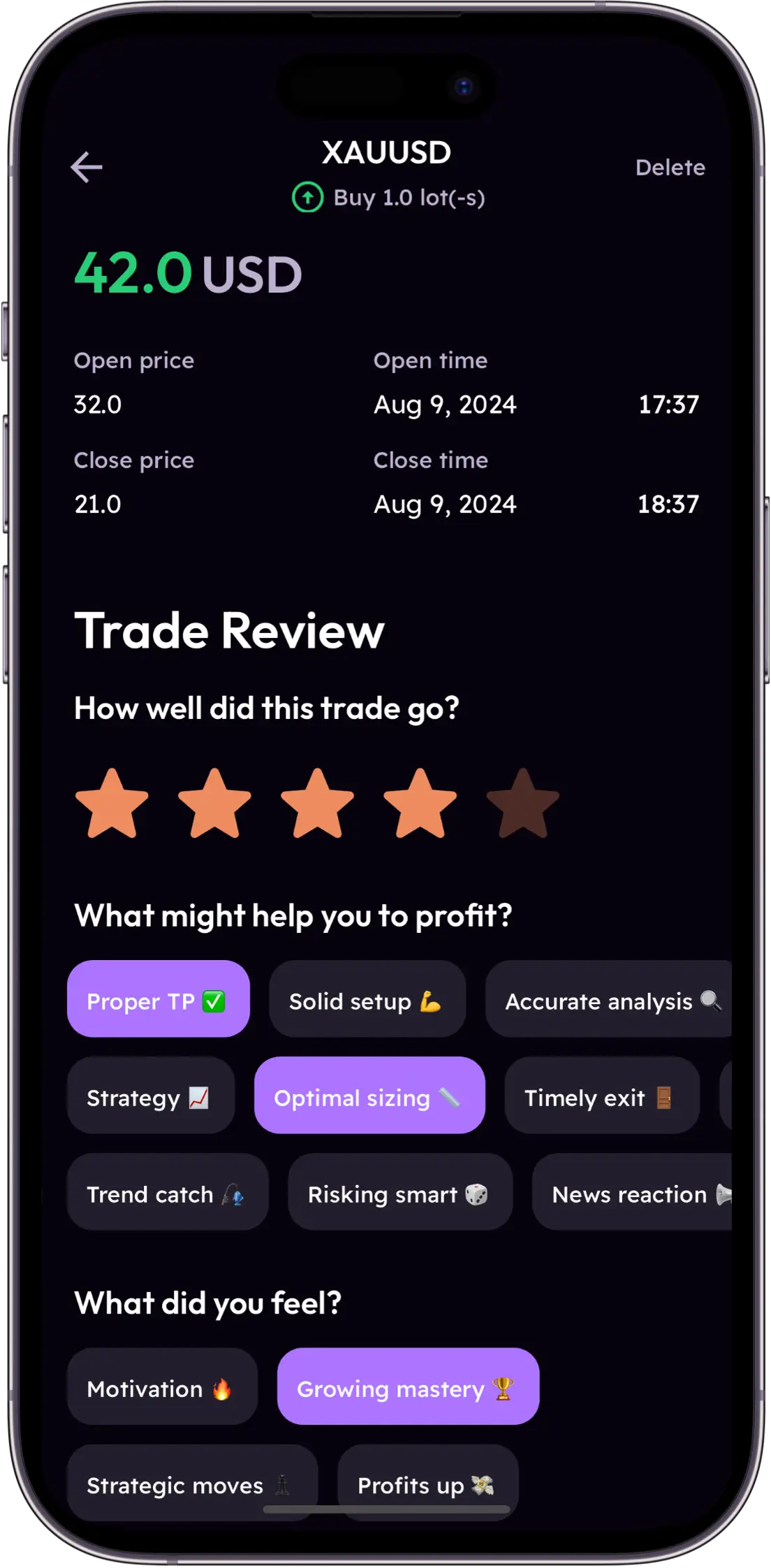
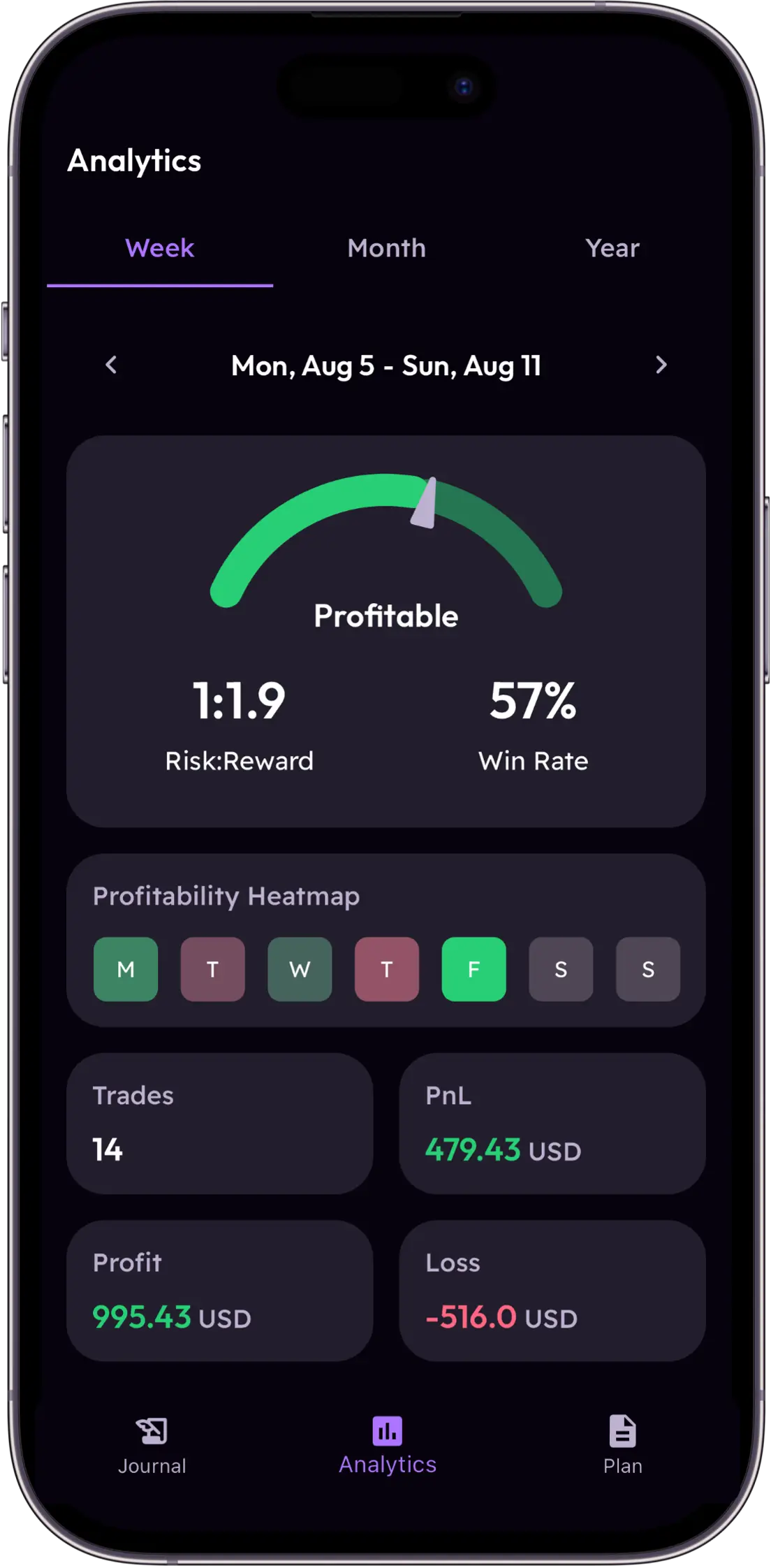
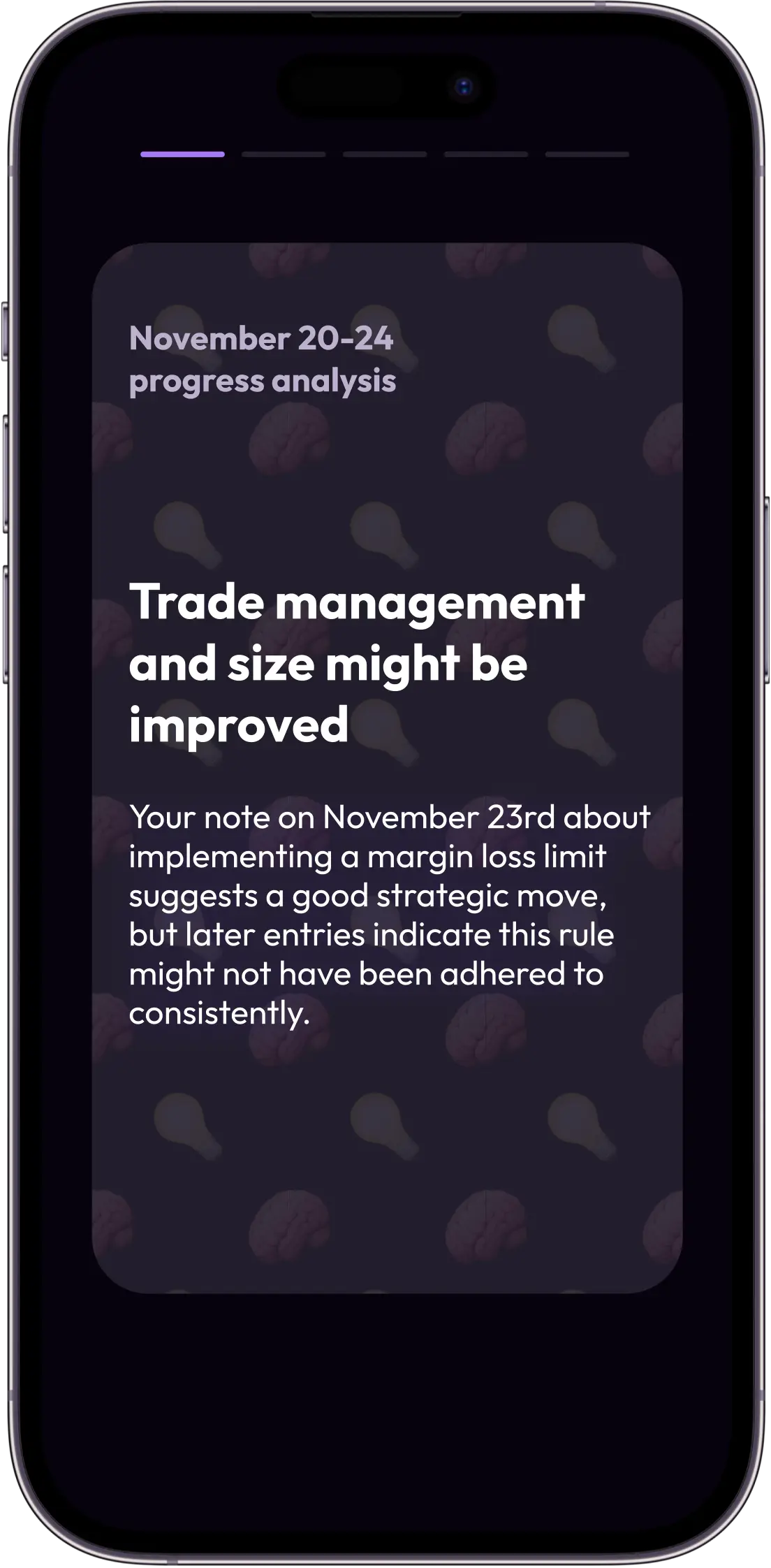
Speed is your advantage on Exness, but speed without structured review becomes expensive. This page focuses on fixing that gap.
With high leverage, one impulsive click can erase days of disciplined execution. You need a journal that tracks behavior, not just balance.
Exness execution is instant. Reflection usually is not. Plancana auto-syncs every closed trade so your review loop stays as fast as your broker.
Switching between Standard, Raw, and Zero accounts can blur your results. Track all accounts in one timeline and spot where your process breaks.
Connect once and keep your trade review data updated automatically. New to forex journaling? Read our forex trading journal guide, or see how the MT4/MT5 trading journal works.
Get the app on iOS or Android and create your profile in seconds.
Add your Exness account through MetaTrader credentials with secure read-only sync.
Each trade is tagged, analyzed, and translated into specific psychology improvements.
Different account structures create different risk patterns. Journal with context, not guesswork.
Standard
Track trade frequency versus quality score before scaling size.
Raw Spread
Use session filters to identify when execution quality drops after streaks.
Pro
Attach mood tags to every position and enforce cool-down checkpoints.
Zero
Monitor idle-session entries and cut low-probability setups early.
Risk Patterns
Unlimited leverage increases risk quickly. The challenge is not only position size, it is behavior changes after wins and losses.
Plancana combines margin exposure, mood labels, and session timing so you can identify when you stop trading your plan and start trading your impulses.
Detect
Catch overconfidence and revenge loops early.
Measure
Compare account type, session, and emotional state.
Improve
Build routines around your highest quality setups.
Exness gives you speed. Your journal should keep up with it.
Manual and delayed. Useful for bookkeeping, weak for real-time behavior control.
Better than spreadsheets but often desktop-first and generic.
Automated, mobile-first, and built around performance psychology.
Learn More Before You Start
See how it works, compare plans on pricing, and read our guide on avoiding revenge trading.
Connect your account, auto-sync your history, and build discipline with AI-supported feedback.
No credit card required · Free to download
Yes. Plancana syncs natively with Exness via MT4 and MT5, importing your trades automatically in real time.
Open Plancana, tap Add Account, choose MetaTrader, and enter your Exness login details. Sync starts immediately.
Yes. Plancana is a mobile trading journal for Exness on iOS and Android with automatic MT4/MT5 trade sync.
Yes. You can connect multiple Exness accounts and review trade performance in one timeline.